> ## Documentation Index
> Fetch the complete documentation index at: https://docs.loisforword.com/llms.txt
> Use this file to discover all available pages before exploring further.
# How LOIS for Word Learns
> How LOIS for Word continuously improves through redlines, user feedback, and precedent learning so the AI stays aligned with your team's evolving standards.
## Overview
LOIS for Word gets smarter as your team works. Every time you redline a clause, flag strong fallback language, or upload a precedent, the system learns from it—without ever modifying your playbook. This learning improves future reviews, sharpens redlines, and makes Composer more accurate and context-aware.
The result: faster, more consistent negotiations that reflect your voice and legal posture.
***
## Learning features
These three features are how LOIS for Word learns your negotiation style:
### 1. *Learn from* toggle
Use this toggle in Microsoft Word to instantly flag a redline as a strong fallback. It lives directly under every AI-suggested redline.
When you turn *Learn from* on:
* The redline is saved as a precedent
* Clause context and contract type are preserved
* The system can reuse it in similar situations
* Your base playbook remains untouched
**Best for:** Fallbacks you’d want reused by a junior lawyer or across similar deals.
 ***
### 2. Save redlines
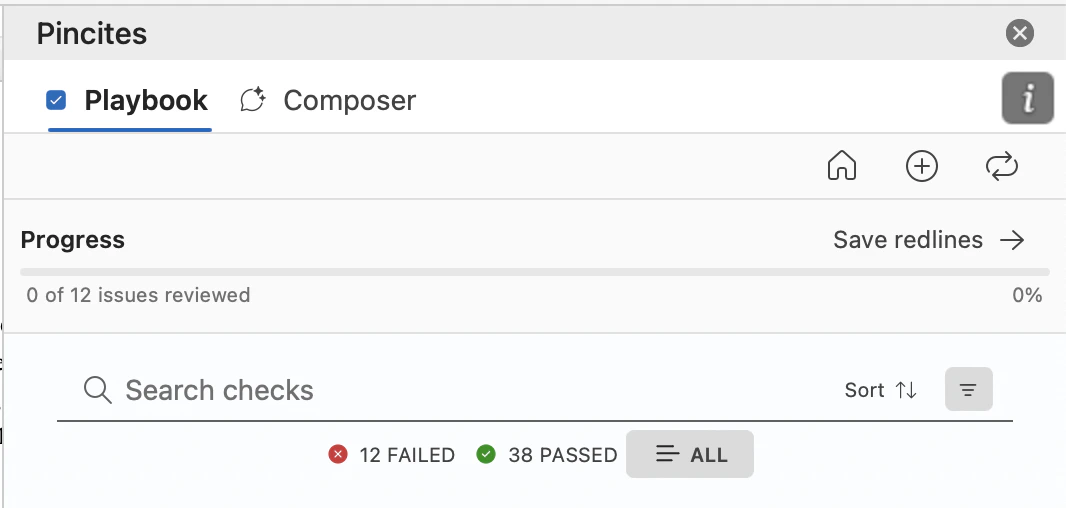
Manually save any redline—whether suggested by AI or written by a human—into your knowledge base. You can do this directly from Word or from the Admin dashboard.
Saved redlines:
* Improve Composer’s ability to draft better fallback suggestions
* Reflect your tone, structure, and preferred risk posture
* Become part of a shared org memory—no playbook edit required
**Best for:** Capturing high-quality redlines during active negotiations without interrupting your workflow.
***
### 2. Save redlines
Manually save any redline—whether suggested by AI or written by a human—into your knowledge base. You can do this directly from Word or from the Admin dashboard.
Saved redlines:
* Improve Composer’s ability to draft better fallback suggestions
* Reflect your tone, structure, and preferred risk posture
* Become part of a shared org memory—no playbook edit required
**Best for:** Capturing high-quality redlines during active negotiations without interrupting your workflow.
 ***
### 3. Upload precedent documents
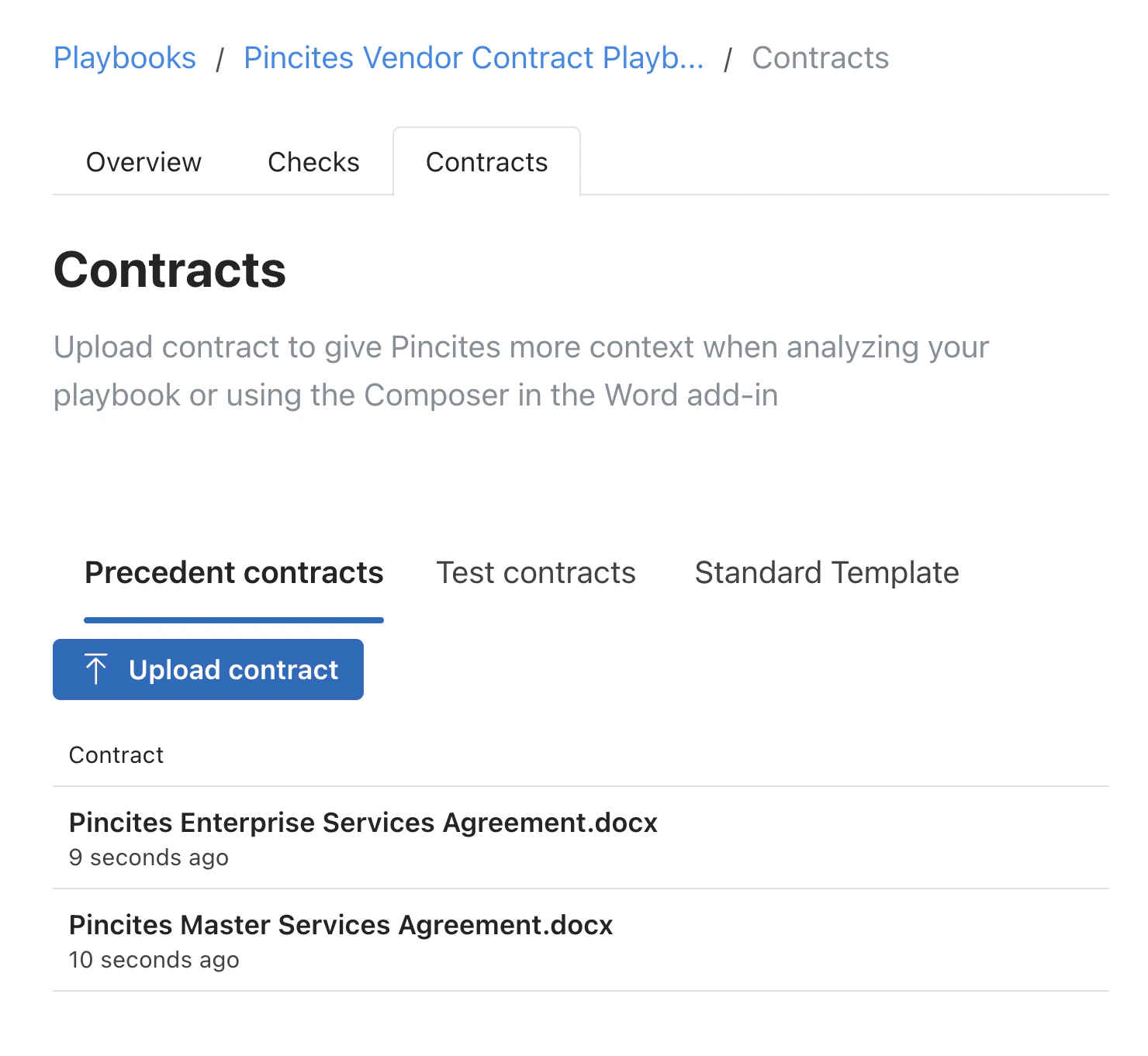
Upload redlined agreements to jumpstart your knowledge base. LOIS for Word extracts and learns from edits, comments, and clause variations.
You can upload:
* Marked-up NDAs, MSAs, vendor contracts, etc.
* Internal fallback guidance docs
* Clean templates with sample comments or tracked changes
Uploaded precedents:
* Help LOIS for Word recognize patterns faster
* Improve issue spotting and clause matching
* Are stored as contextual learning—not formal rules
**Best for:** Rapid onboarding or seeding the system with past negotiation history.
***
## Where learning shows up
Once saved, precedents are used to:
* Suggest smarter redlines in Word
* Improve fallback suggestions in Composer
* Tailor comments to your tone and clause philosophy
* Recognize common clause variants and risk positions
These examples improve the experience immediately—and compound over time.
***
## Managing your knowledge base
Go to the *Knowledge Base* tab in the Admin dashboard to:
* View and edit saved redlines
* Delete outdated or low-quality examples
* Upload more precedent contracts
* See where each redline came from and how it's used
You stay in control. Nothing is added without your approval.
***
## Why it matters
Playbooks are the foundation—but precedent learning makes them powerful. LOIS for Word doesn’t just match rules; it adapts to how your team negotiates in the real world.
* Learn from live redlines as you work
* Capture feedback and fallbacks on the fly
* Train the system passively through your actual deals
* Scale your review process without losing control
***
## Key takeaways
* *Learn from* is a one-click way to save great edits
* Saving redlines builds your fallback memory
* Uploading past work helps the AI learn fast
* All learning is additive—your playbook is never overwritten
* You decide what’s saved, reused, or ignored
***
### 3. Upload precedent documents
Upload redlined agreements to jumpstart your knowledge base. LOIS for Word extracts and learns from edits, comments, and clause variations.
You can upload:
* Marked-up NDAs, MSAs, vendor contracts, etc.
* Internal fallback guidance docs
* Clean templates with sample comments or tracked changes
Uploaded precedents:
* Help LOIS for Word recognize patterns faster
* Improve issue spotting and clause matching
* Are stored as contextual learning—not formal rules
**Best for:** Rapid onboarding or seeding the system with past negotiation history.
***
## Where learning shows up
Once saved, precedents are used to:
* Suggest smarter redlines in Word
* Improve fallback suggestions in Composer
* Tailor comments to your tone and clause philosophy
* Recognize common clause variants and risk positions
These examples improve the experience immediately—and compound over time.
***
## Managing your knowledge base
Go to the *Knowledge Base* tab in the Admin dashboard to:
* View and edit saved redlines
* Delete outdated or low-quality examples
* Upload more precedent contracts
* See where each redline came from and how it's used
You stay in control. Nothing is added without your approval.
***
## Why it matters
Playbooks are the foundation—but precedent learning makes them powerful. LOIS for Word doesn’t just match rules; it adapts to how your team negotiates in the real world.
* Learn from live redlines as you work
* Capture feedback and fallbacks on the fly
* Train the system passively through your actual deals
* Scale your review process without losing control
***
## Key takeaways
* *Learn from* is a one-click way to save great edits
* Saving redlines builds your fallback memory
* Uploading past work helps the AI learn fast
* All learning is additive—your playbook is never overwritten
* You decide what’s saved, reused, or ignored